

Delivering Love, Care & Happiness From Anywhere to Everywhere.
Thoughtful gifts for every special moment, delivered directly to the people you love, wherever they are.
Featured Categories





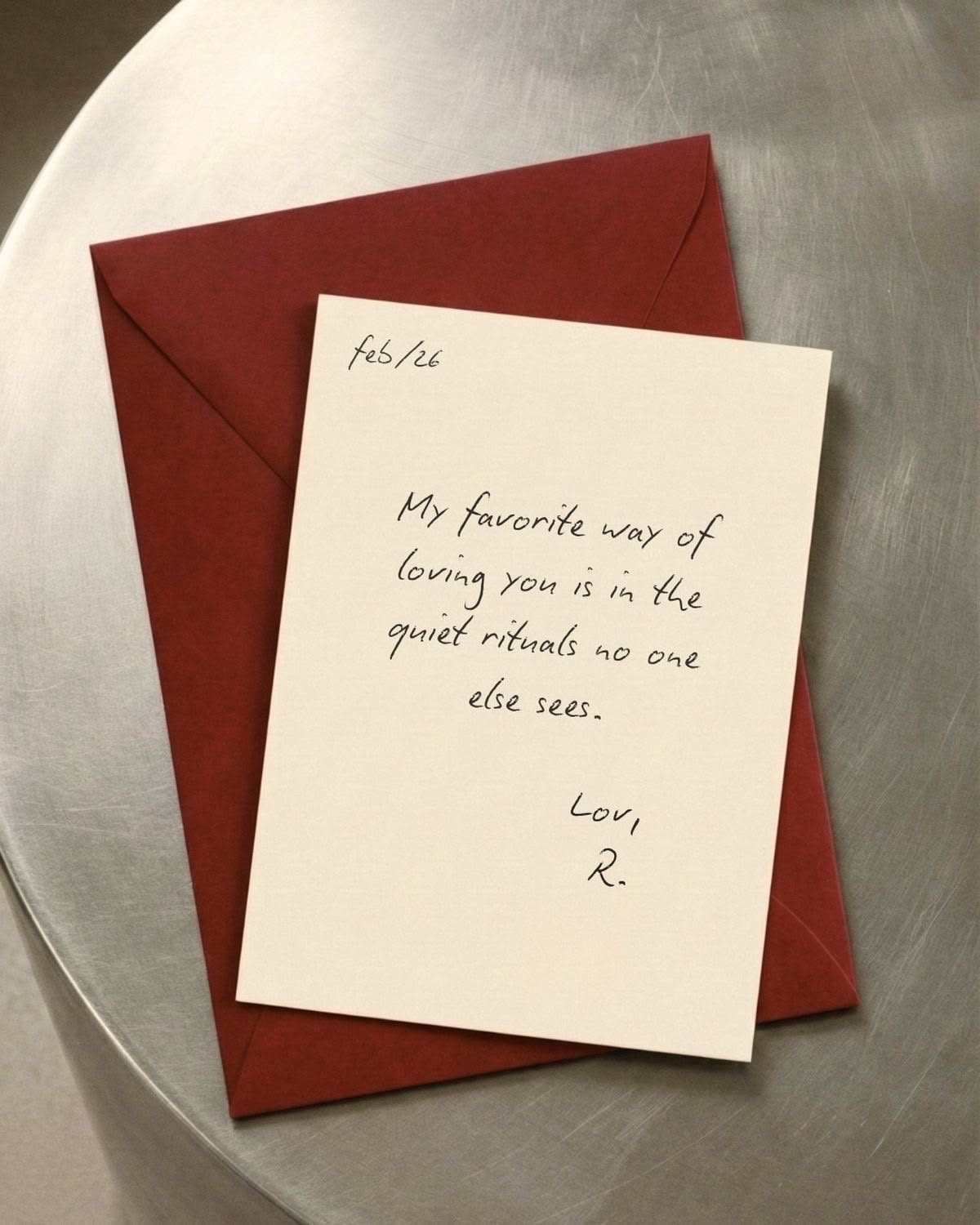


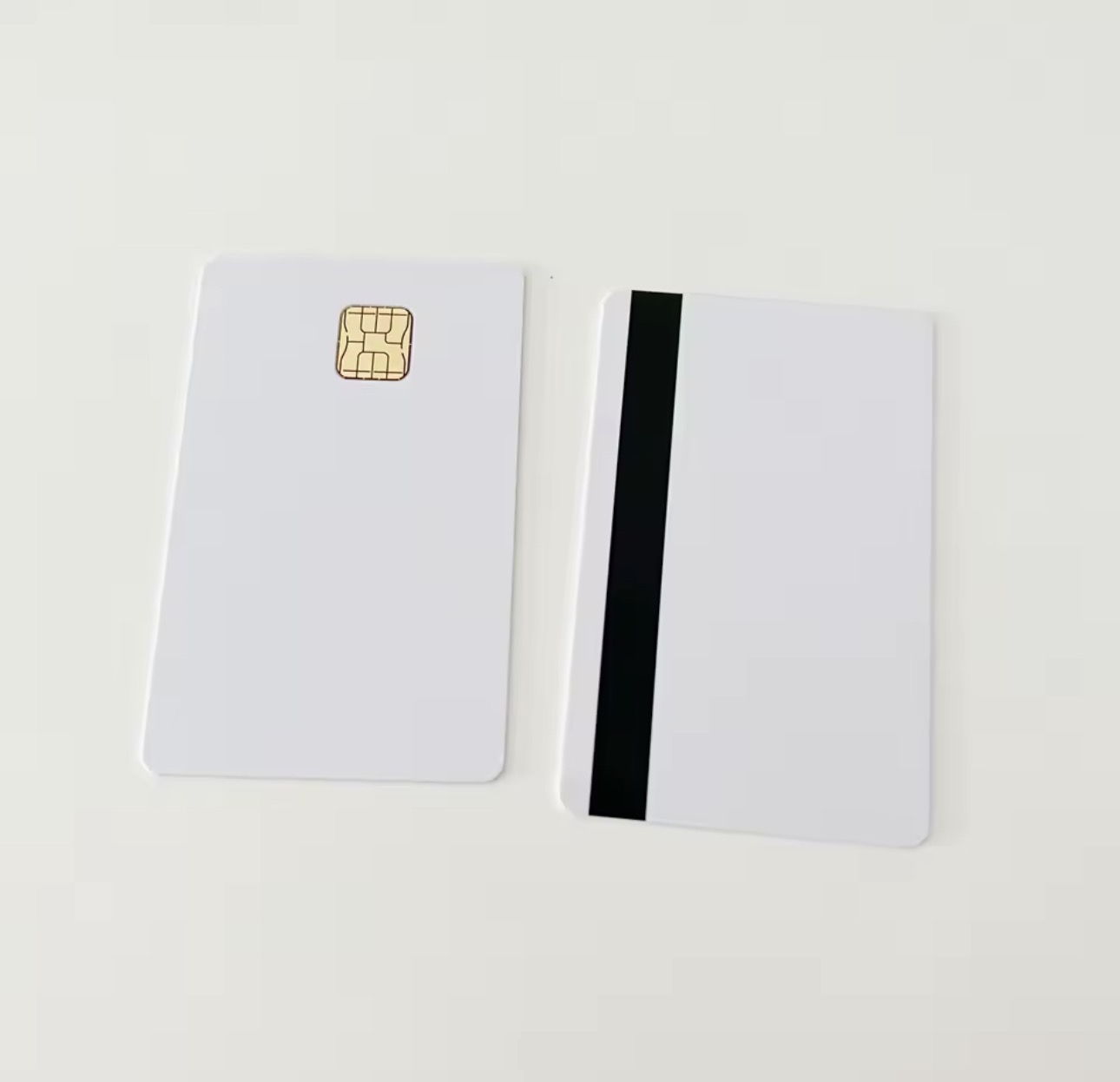
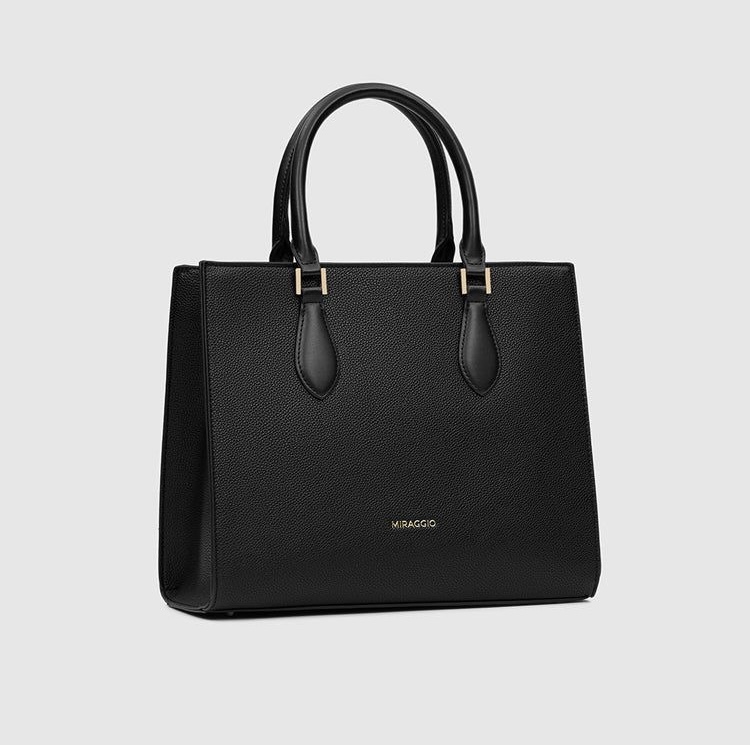



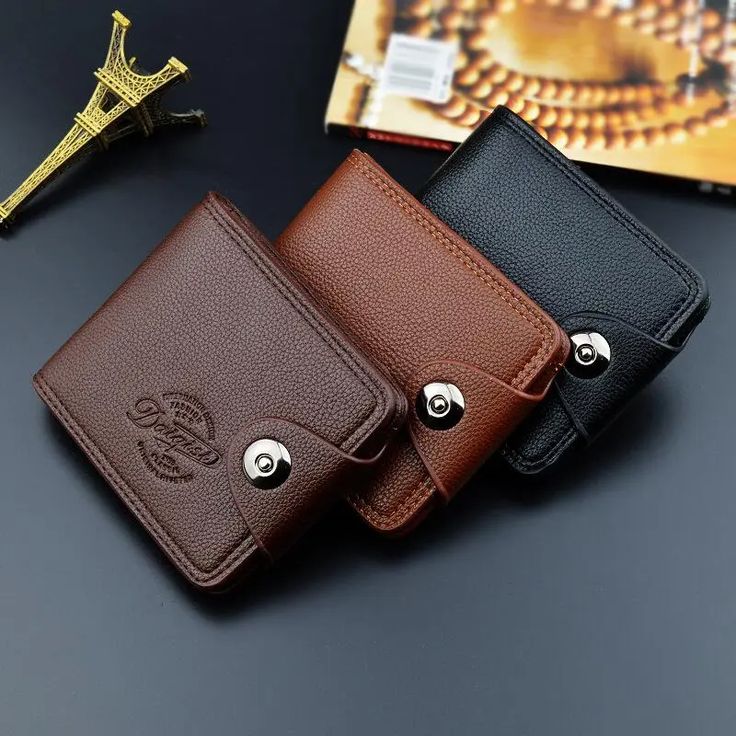













Worldwide Delivery
No matter where your loved ones are, you can send them something special. Choose your gift, provide the delivery details, and let Tech19 Store take care of the rest.
Start SendingAdd Tech19 Store to Your Home Screen
Shop faster and access Tech19 Store anytime — just like an app.
You don't need to download an app. Save Tech19 Store directly to your phone's home screen for quick and easy access whenever you want to shop.
- 1
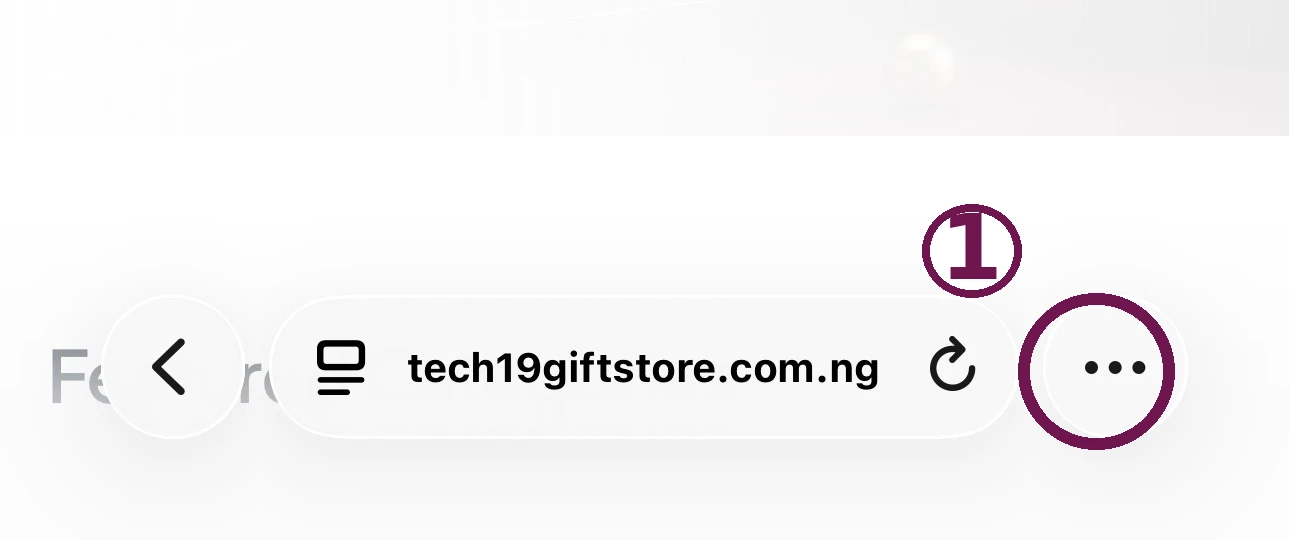
Step 1: Tap the three-dot menu.
Open tech19giftstore.com.ng in Safari and tap the ••• button in the Safari toolbar.
- 2
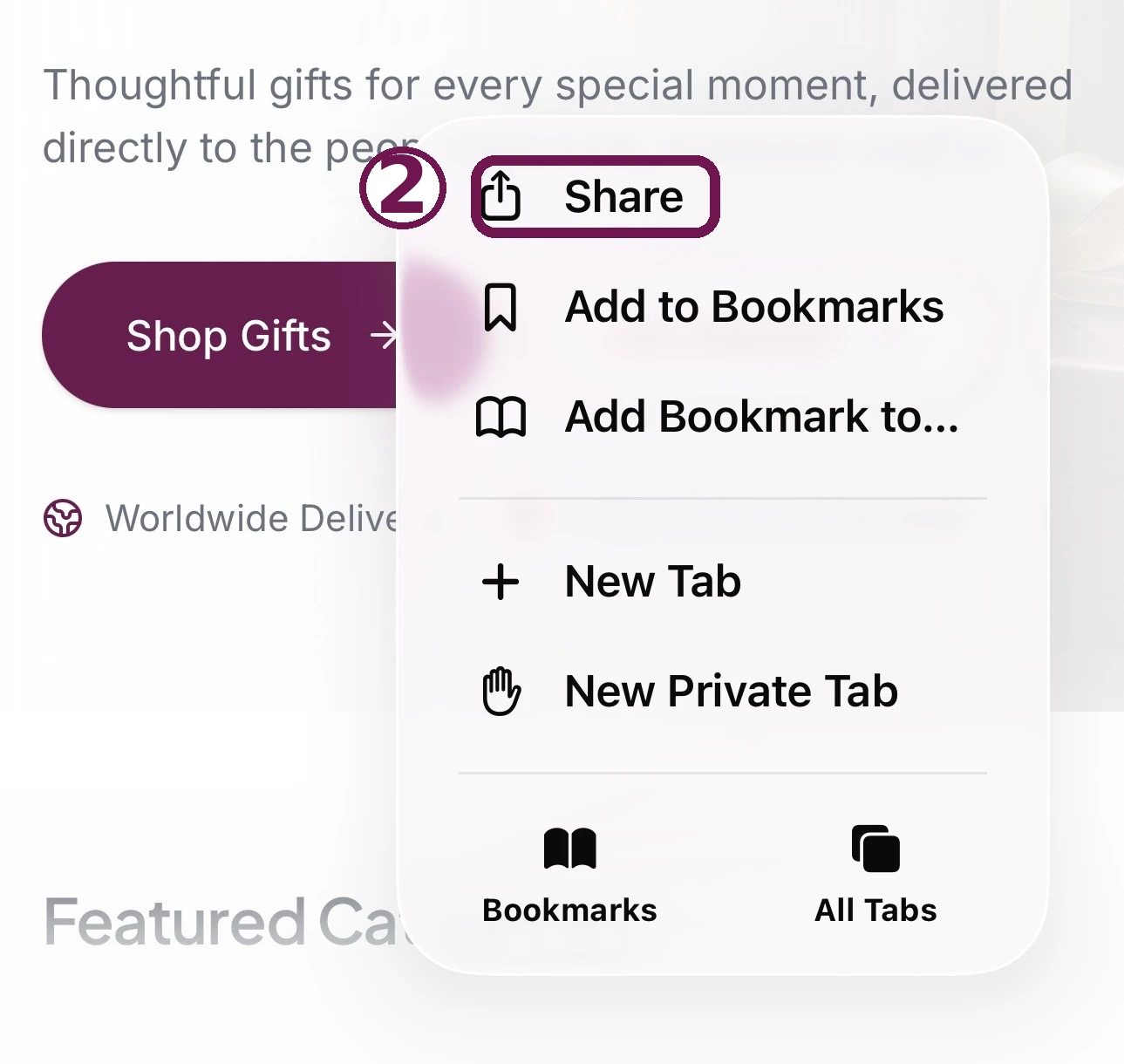
Step 2: Tap Share.
In the menu that opens, tap the Share option.
Look for this icon
- 3
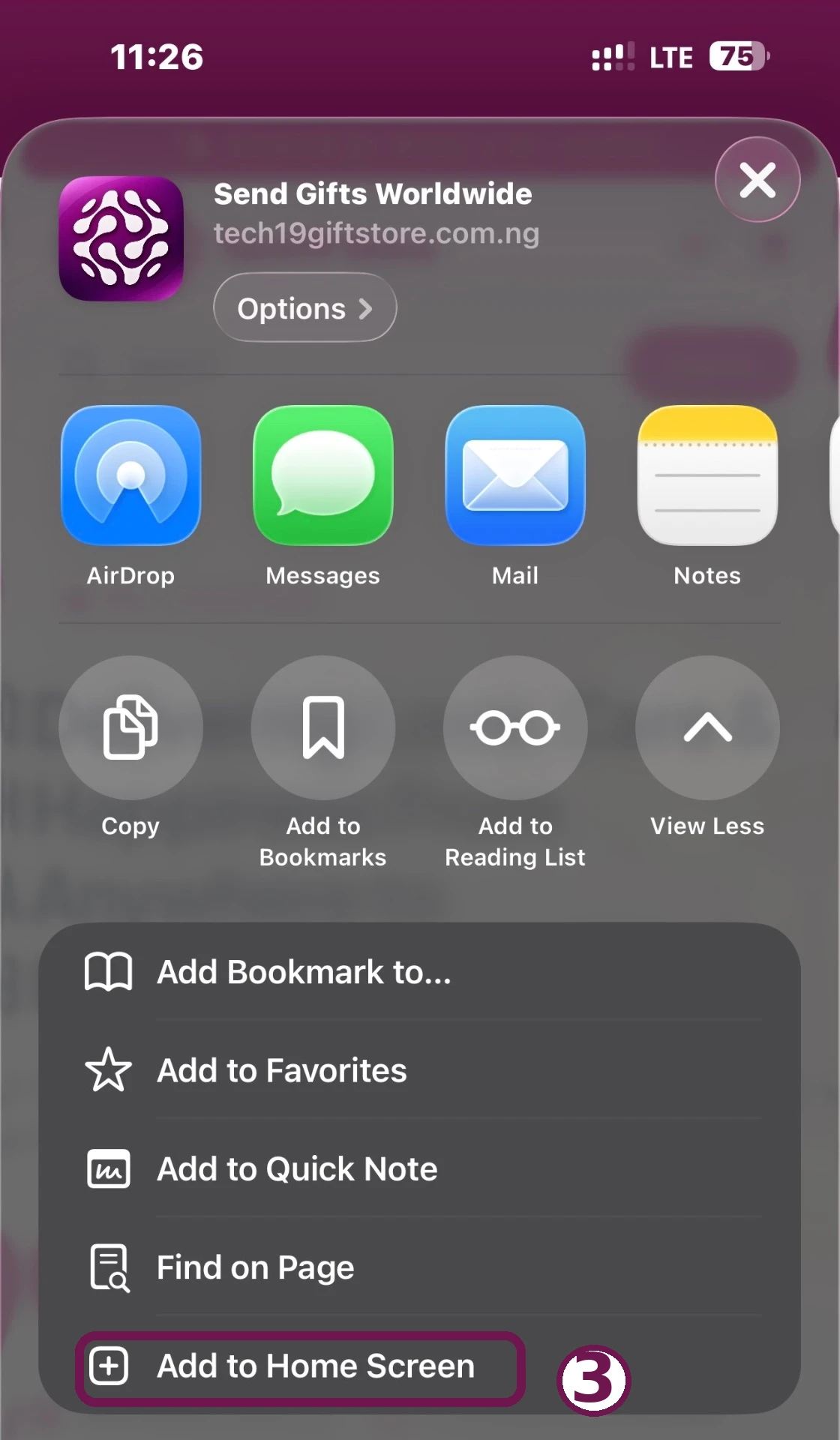
Step 3: Tap Add to Home Screen.
The Share sheet opens — scroll down and tap “Add to Home Screen”.
Add to Home Screen
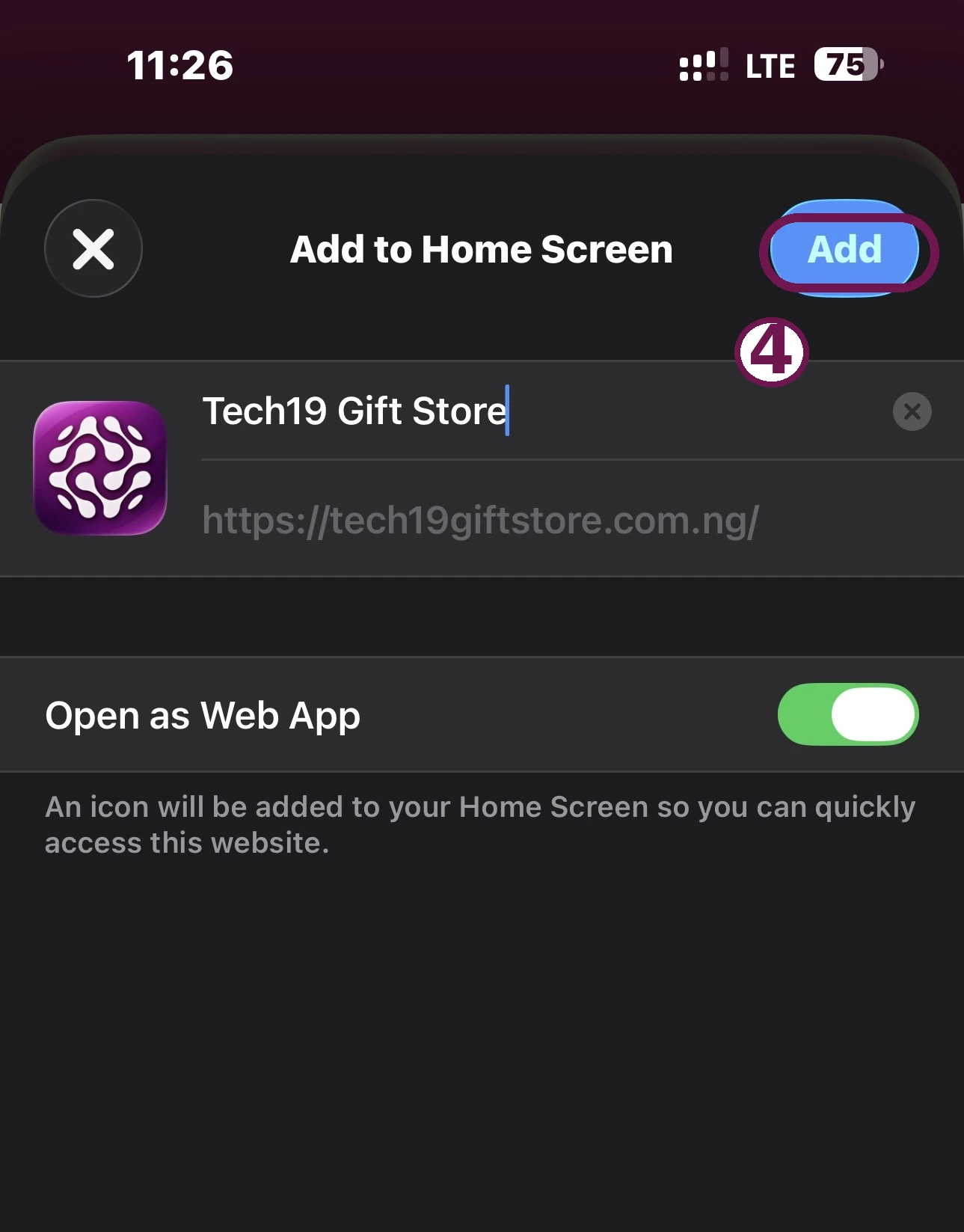
- 4
Step 4: Tap Add.
Confirm by tapping the Add button in the top-right corner.
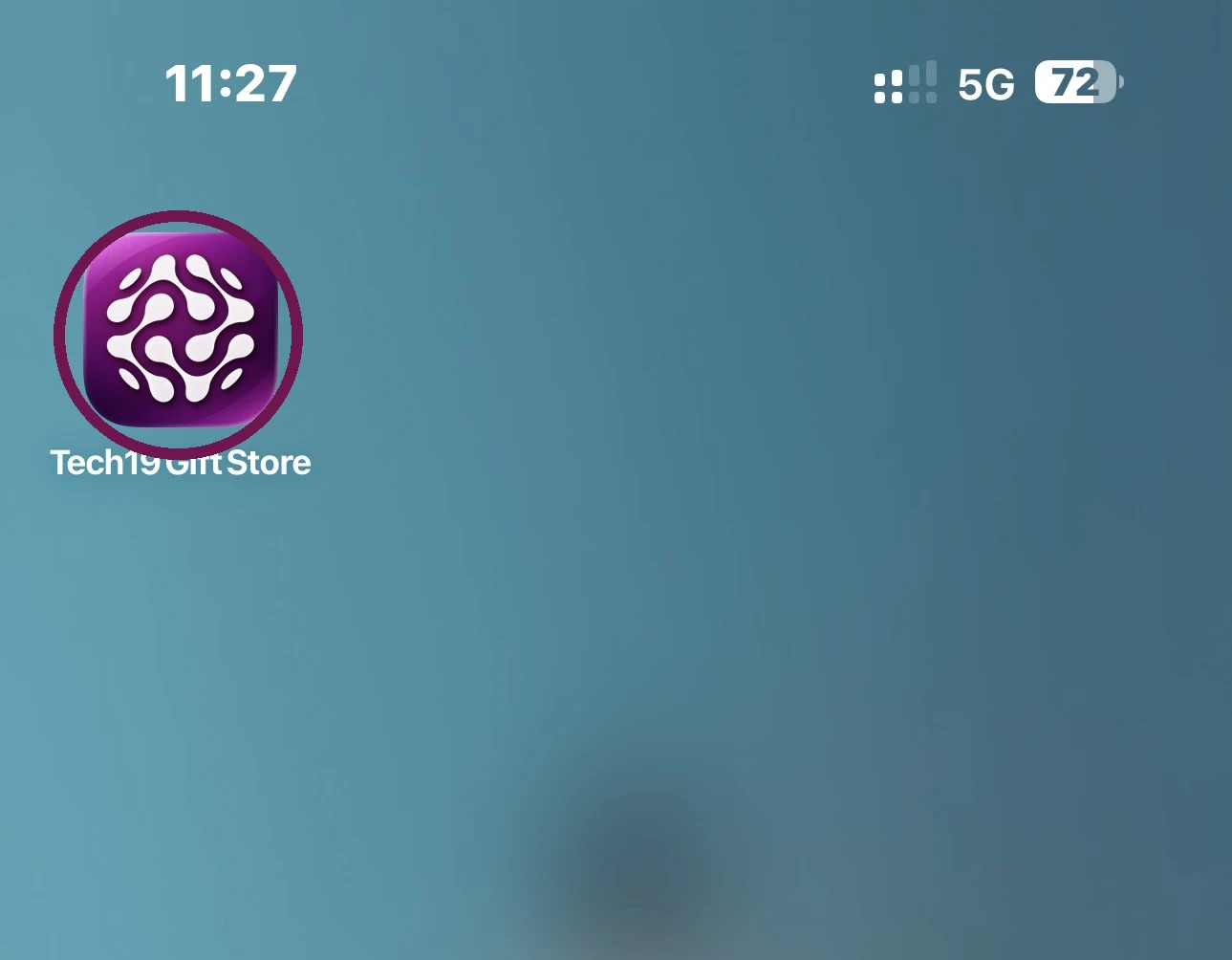
- 5
Done! Tech19 Store is now on your home screen.
Tap the Tech19 Gift Store icon anytime to open it quickly, just like an app.
Steps can look slightly different depending on your phone, browser and software version.
Save Tech19 Store to your home screen and shop anytime.